
Turn site records into a clear handover
Made for independent contractors and people working on site. Use photos to show a finding, notes to explain the work, and a PDF to give your customer a record they can keep.
Organize by job and issue
Create a job with the customer details and address you need. Add issues with findings, work performed, and follow-up notes. An explicit status separates completed work from items that need another visit.
Capture, mark up, and explain
Add Before and After photos. Use arrows, shapes, text, blur, or solid redaction to annotate details. Start voice input when useful, then review and apply the transcript. The app does not keep recording files; recoverable text drafts stay locally.
Arrange and share
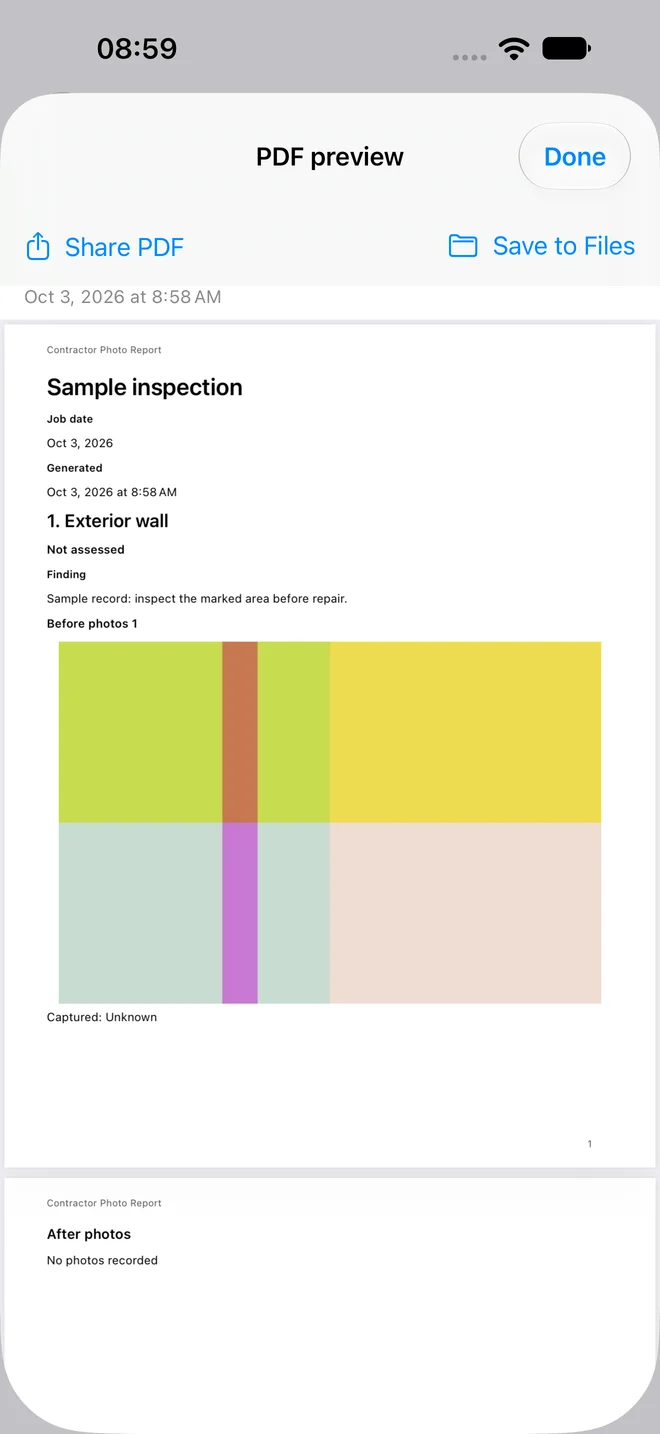
Choose A4 or Letter, adjust columns, text size, and photo layouts, then generate your PDF. Decide whether to show photo times and GPS. Use the system share sheet or Save to Files after reviewing the report.
Subscriptions and existing records
An active Pro subscription or eligible App Store trial is required to create, edit, and generate new PDFs. After expiry, you can still read and delete existing records, export photos, and open or share previously generated PDFs. Pricing, trial eligibility, and duration are shown by the store.
Local records, deliberate sharing
No app account or app-operated cloud synchronization is required. Original photos may retain location metadata; the report’s GPS switch does not remove it from originals. Marked-up photo exports flatten edits and remove source metadata. Always inspect redactions before sharing.